
How to Find My Chronicall or Avaya Call Reporting Serial Key
Summary
If you're opening a ticket with our Support team or putting an inquiry in with our Sales team, you'll need your serial key if you have one. Below are the steps to get that.
Steps to Retrieve Serial Key From ACR
-
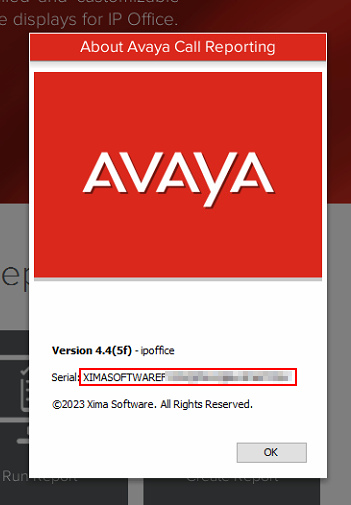
Log into Avaya Call Reporting Desktop and select Help from the menu above.

-
Here you can view your serial key for the installation you're connected to.
Steps to Retrieve Serial Key From Chronicall
-
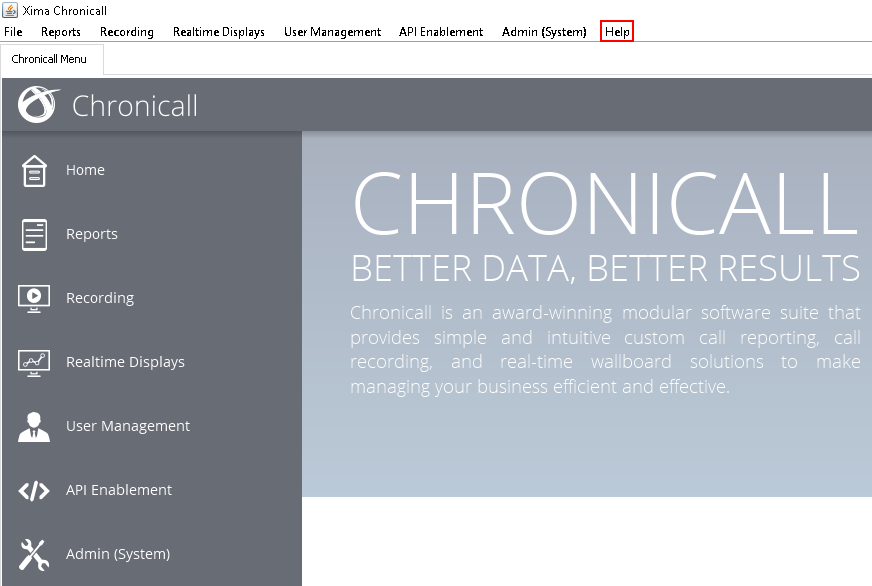
Log into Chronicall Desktop and select Help from the menu above.
-
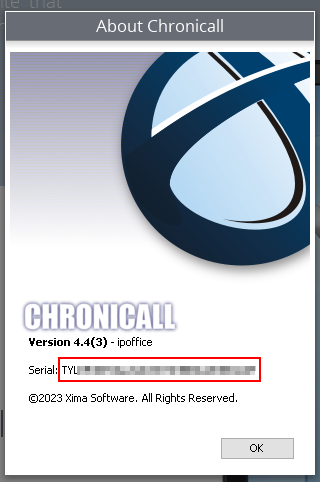
Here you can view your serial key for the installation you're connected to.
Updated 3 months ago