
Exporting / Importing a Wallboard (HTML)
To export a wallboard to be imported later or to another install, follow the steps below.
Select the menu button for the wallboard you intend to export.
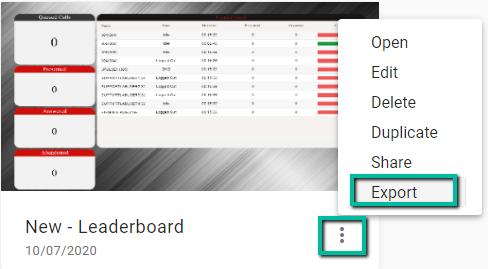
This will create a JSON file. Save it for exporting.
On the new install, in the Realtime Wallboards view, select New Wallboard.
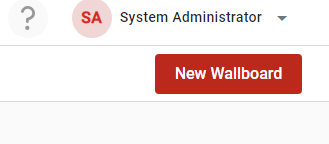
Next, select Import Wallboard.

Locate your JSON file and finalize the upload.
Updated 3 months ago