
Error Processing Backup/Restore Request
Issue Description
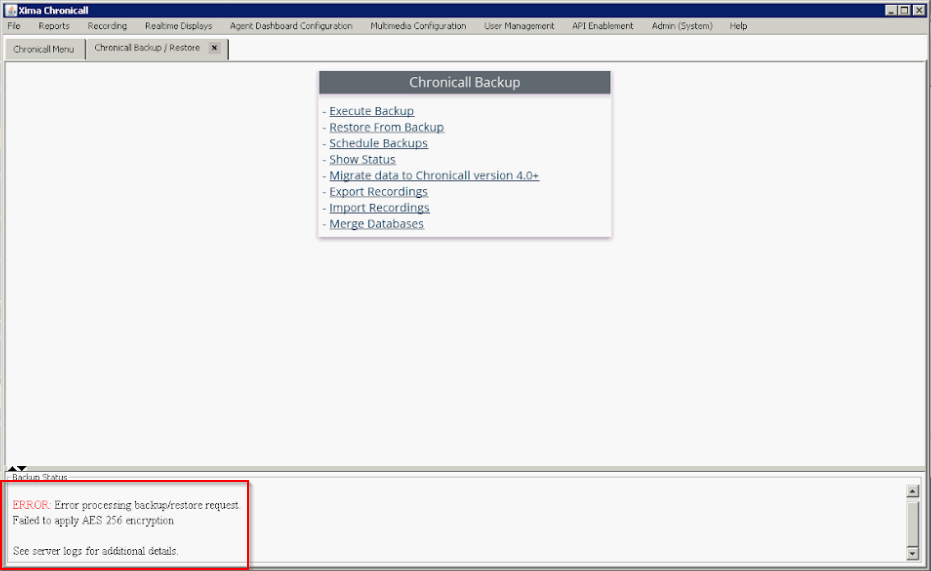
When trying to schedule a backup, you get an error saying:
Error processing backup/restore request. Failed to apply AES 256 encryption
Cause
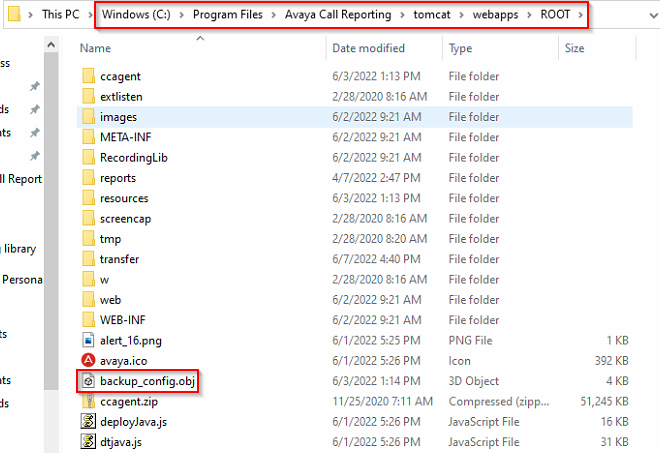
This issue is caused by corruption of the backup_config.obj file, located in the Chronicall\tomcat\webapps\ROOT directory.
Resolution
Remove the corrupted file and restart services.
Steps
-
Navigate on the Chronicall server to the
webapps\ROOTdirectory. -
Delete the file, or rename it to
backup_config.obj.old. -
Restart services.
Updated 3 months ago