
How to Dock to the Non-Primary Screen with Agent Desktop
Summary
You can now dock your Agent Dashboard pop-ups to the non-primary screen in later 4.2.x builds. This applies to Caller ID, Alerts, and Triggers.
How To
-
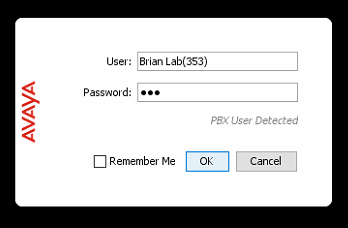
Log into Agent Dashboard using your name and extension as your username, and your extension as your password.
-
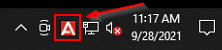
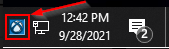
Find the red "A" icon (ACR) or the blue "X" icon (Chronicall) down in your taskbar by the clock.
-
You may need to click the ^ arrow to show more icons to see it once logged in.
-
-
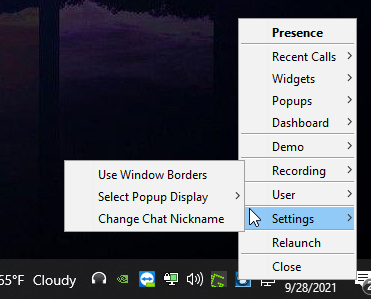
Right-click the application's icon to pull up this menu, and go to Settings.
-
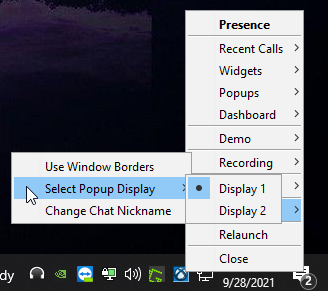
Hover over "Select Popup Display", and select the display you would like the Agent Dashboard to dock to.
Updated 3 months ago