
Postgres Database Service Won't Start
Issue Description
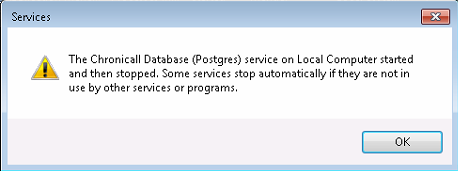
After updating to a new version, all services started up except Postgres. After attempting to start the Database, it threw an error:
Cause
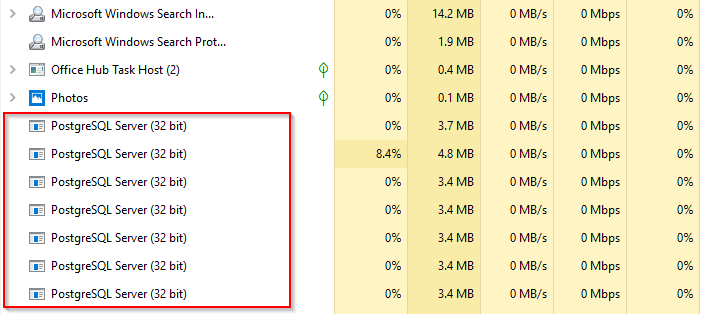
Several hung postgres.exe processes which weren't obviously Chronicall's.
Resolution
Steps
- Stop all Chronicall services, per our Stopping and Starting Chronicall Services article.
- Check for rogue processes in Task Manager.
-
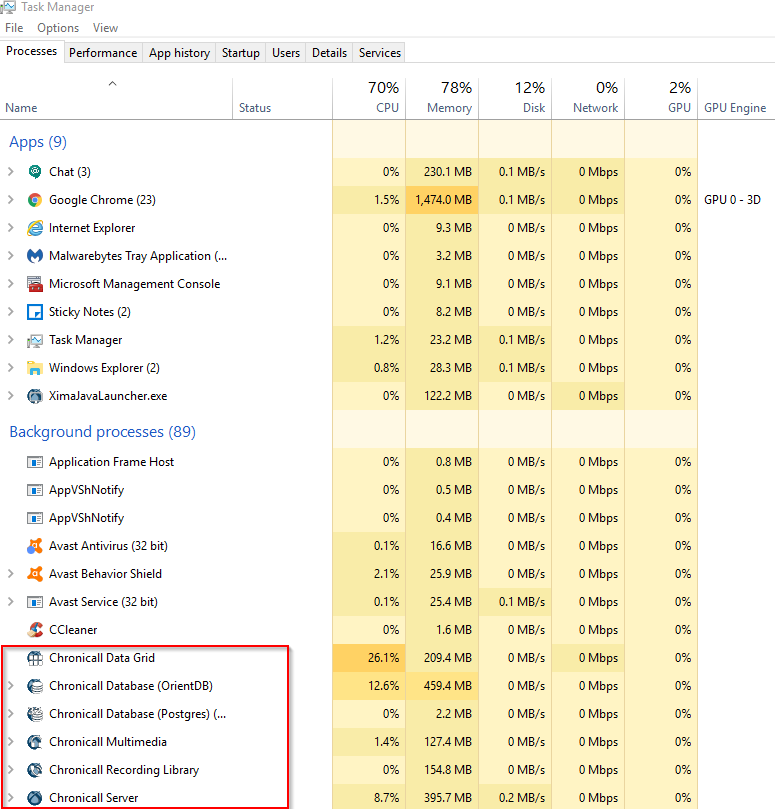
Chronicall's processes will normally have similar names to their services (e.g. Chronicall Server, Chronicall Recording Library, Chronicall Data Grid), but some will not. For example, PostgreSQL Server.
-
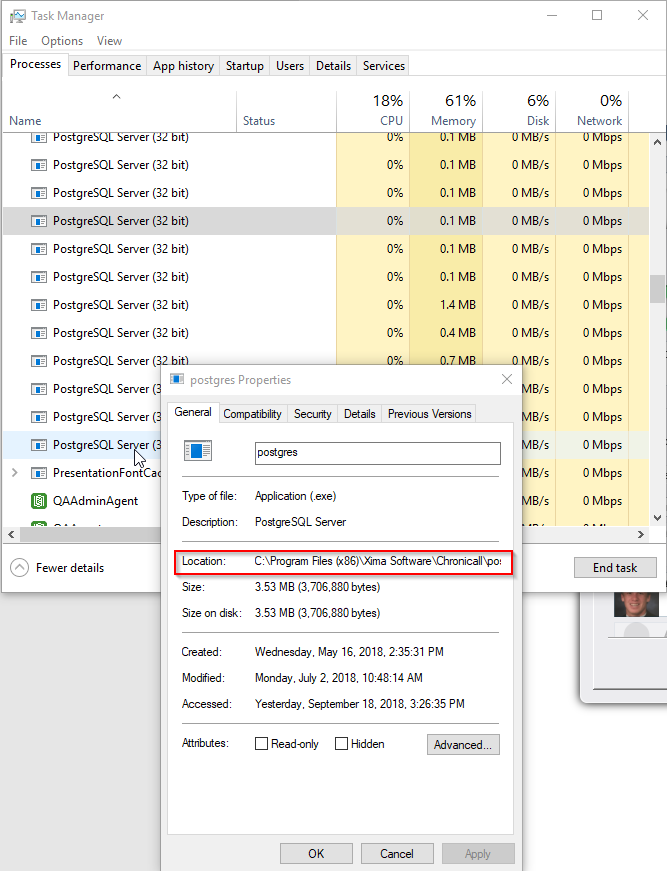
If you want to know if a process is being used by Chronicall or another program, you can right-click on the process and click Properties.
-
This will show you the file path where that process is running from.
-
- Once you've found all of Chronicall's processes, right-click them and End Task. If they refuse to go away, right-click and End Process Tree.
- Finally, once all processes are gone, restart Services.
Updated 3 months ago